
How to reduce stringing in 3D printing
Stringing happens when molten material continues to ooze from the nozzle during travel moves. Common causes include excessive nozzle temperature, damp filament and unsuitable retraction settings. Before making large changes to retraction, first check whether the filament is dry and whether the material profile is fundamentally appropriate.
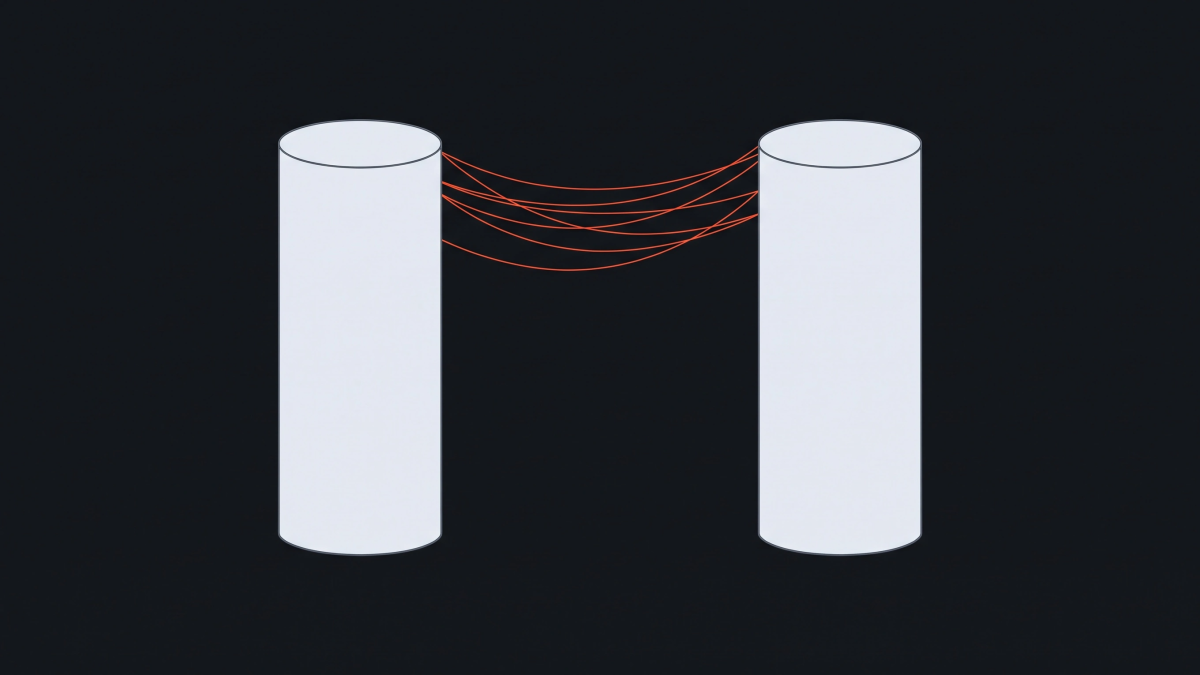
Check temperature
If the nozzle temperature is too high, the material flows more easily and may ooze during travel moves. Reduce temperature only within a sensible manufacturer-supported range.
Check retraction
Too little retraction can increase oozing. Overly aggressive retraction can create other extrusion problems depending on the hotend. Use the printer or filament profile as your starting point.
Check the nozzle
Plastic stuck to the outside of the nozzle can create thin strings. Inspect and clean the nozzle according to the printer manufacturer's instructions.
Change one variable at a time
Change temperature → test again → only then change retraction.